
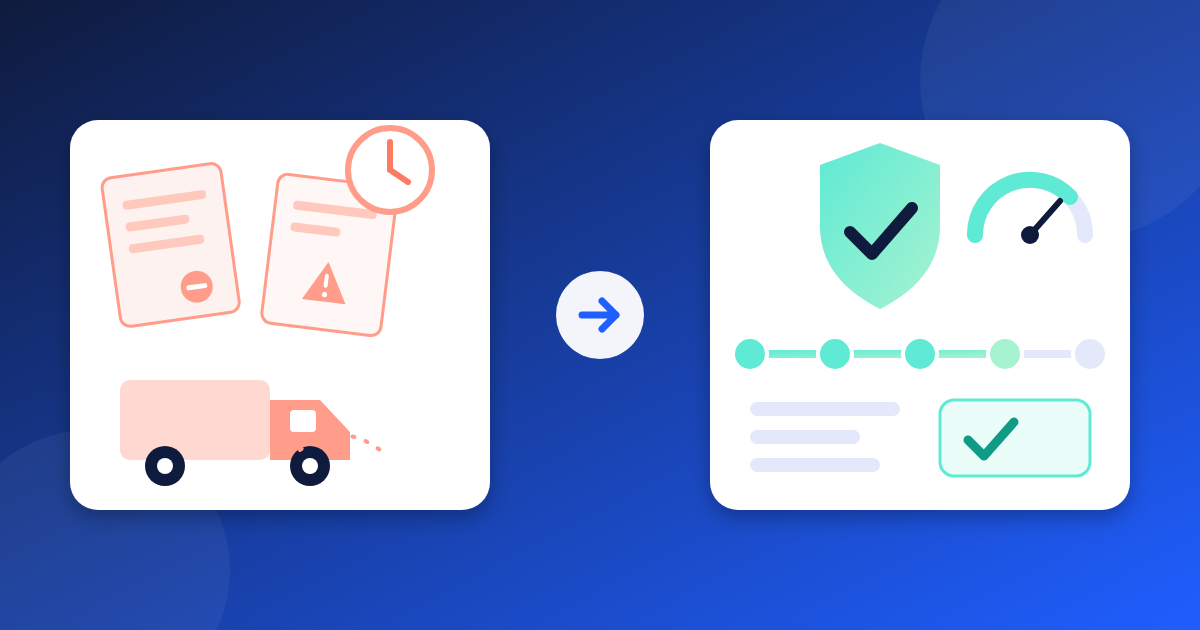
Picture a Tuesday morning. The site team asks where the delivery is. It was due last Friday. A look back shows the warning signs: the vendor's certificate lapsed last month, and its last two orders ran late. Nobody had that in front of them when the new order went out.
Vendor risk rarely arrives without warning. The signals sit in different places. Here are four early signals to keep in view, and how WeManage Procurement handles each one.
1. Check the vendor's standing before you raise the order
What it looks like. A vendor's certificate expires or its status changes, and the next order goes out as usual.
Why it costs you. A vendor that no longer meets your requirements may also struggle to deliver. You find out after the order is placed.
How WeManage handles it:
- Open the vendor's profile. The Accreditations section lists each accreditation with its start date, expiration date, categories, region and any uploaded certificates. By default it shows the active ones.
- Where an accreditation has expired, a blue alert appears while you prepare the purchase order, contract and invoice, and during delivery order approval.
- A System Admin decides which vendor statuses may take part in each module under Vendor Selection Setting in the Application Setting. By default, only Approved vendors are selected.
2. Review past performance before you award again
What it looks like. Last quarter's problems live in people's memories, and new team members never hear them.
Why it costs you. Without a record, the same vendor is rehired out of habit. Good and poor performers look the same on the next award.
How WeManage handles it:
- Where Vendor Performance Evaluation is switched on (it is off by default), a System Admin picks when evaluation tasks are created: when the vendor accepts a purchase order, when a contract expires, on set dates for published contracts (up to twice a year per contract), or ad hoc.
- Evaluators open Vendor Performance under Vendor Management in the App launcher and answer the questions in the evaluation score sheet. The system calculates the total score. Where scoring bands are set up, the band shows once the evaluation is submitted.
- Where evaluation approval is required, the approver receives an email once all evaluators have submitted.
- Open the vendor's profile and click the Performance Evaluation tab to see its evaluation history.
3. Track the order's journey, not only the delivery
What it looks like. You learn a vendor is slow when the goods fail to show up.
Why it costs you. Delays often start earlier, in slow acceptance or slow dispatch. Without timings, you see only the final result.
How WeManage handles it:
- Once a vendor is approved, its profile has an ACTIVITIES tab. The Delivery sub-tab lists the delivery orders the vendor submitted. The 360 View sub-tab summarizes its activities and performance, and you can filter it by year.
- On a purchase order, the Available Quantity field shows what has not yet been delivered or invoiced. The RELATED RECORDS tab lists the delivery orders, invoices, adjustments and penalties linked to it.
- Require DO (delivery order) Approval is switched on by default, so the approver verifies the delivery date and the delivered items. By default, the approver is the Head of Department of the user who raised the purchase order.
- Open Vendor Insight under Analytics in the App launcher. Only System Admins, Procurement Officers and Auditors can open it. For a chosen vendor and date range, Average Delivery Cycle Time shows the days from purchase order issuance to acceptance, from acceptance to delivery order issuance, and from delivery order issuance to invoice issuance.
4. Act on the signal the same way every time
What it looks like. A late delivery is handled by a phone call, so each buyer reacts differently.
Why it costs you. Uneven follow-up tells vendors that lateness has no consequence. The record of what happened ends up scattered.
How WeManage handles it:
- A Procurement Officer records a late delivery as a penalty with the type Late delivery (extension of time). Create it under Penalty in the Compliance section of the App launcher, or from the RELATED RECORDS tab of a purchase order, contract or delivery order.
- The officer submits the penalty directly. There is no approval step, and its status moves from Draft to Received by Vendor.
- On a contract, LAD (liquidated and ascertained damages) can be a fixed amount, or a percentage with an optional cap. The system starts calculating the Accumulated LAD only after you submit the contract.
- If performance stays poor, a System Admin, Procurement Officer or Vendor Admin can blacklist the vendor with the ADMIN button in its profile, then BLACKLISTED, a reason and SUBMIT. By default, a blacklisted vendor can no longer be invited or chosen in purchasing, sourcing, award or post-award activities. UNBLACKLIST reverses it.
What's next in the industry
Industry commentary on AI in e-procurement highlights emerging capabilities such as monitoring supplier performance and identifying delivery risks early. While these capabilities reflect broader market developments, they are not currently part of the functionality described in this article for WeManage Procurement.
Quick self-check: how many of these sound like your team?
- You learn a delivery is late only when the goods fail to arrive.
- Nobody checks a vendor's certificates before a new order goes out.
- Past vendor performance lives in people's memories.
- You cannot see how long a vendor takes to accept an order or send the goods.
- Each buyer handles a late delivery in their own way.
Two or more? Keeping these signals in one place, and following one process when a delivery runs late, helps you see vendor risk sooner.
See vendor risk in one place
WeManage Procurement keeps vendor profiles, evaluations, deliveries and penalties together. Want to see it? Talk to the V-Work team through wemanage.cloud and we will walk you through a vendor record from accreditation to penalty.